

My Writing Process Series
- Part 1: Intro
- Part 2: Tools of the Trade
- Part 3: Taking Notes
- Part 4: Plotting
- Part 5: The First Draft
- Part 6: Editing…or the Second Draft
- Part 7: Editing…Part 2
- Part 8: Formatting
- Part 9: Cover Design
- Part 10: Publishing (part 1)
- Part 11: Publishing (part 2) ← You Are Here
Howdy Freeholders!
Last time we left off with publishing basics, specifically at Amazon. This week, I’ll continue showing you how the sausage is made and pick up where we left off. Hang on tight, we’re going wide.
Reminder: when independent authors say they’re going wide, they mean they’re publishing with anyone and/or everyone other than a company that requires exclusivity. Right now, usually when someone says they’re going wide, they mean they’re publishing with everyone other than Amazon. That said, you can also go wide and include Amazon, like me. Okay, back to the post.
The next company I like to publish with is one we all use in some way, whether we like them or not, whether we know it or not. From web searches, to calendars, to email, and everything in between, Google is pervasive in our lives. Why not sell books with them? Apple and Google are the two main players in the mobile devices operating systems war, so Google (Android) is literally everywhere. So let’s check out Google’s Play Store
Luckily, their system for publishing a book is much more streamlined than Amazon. It’s fast, not very intuitive (there are wasted clicks for me every time I publish. Every. Time.) but, after answering the standard questions like what’s the title, who’s the author, what’s the description, price, etc., you can upload the book and the cover on one page and it takes only seconds. And just like that, Google’s done.

You can see at the top of the screen there are tabs for each page of the process, where you can quickly jump and add or edit the series your book is part of, who contributed to it, etc., and you can even decide how much of a preview people can read without buying the book.
Google makes things easy and fast (shocker) and gives decent returns and their reporting system is good, if a little quirky (honestly, they all are).
Kobo
Next up is one of my favorites, if not my favorite, the Amazon of the North, Kobo. Kobo (part of the Rakuten company) also sells in Walmart in the US, and has a more extensive overseas network than Amazon, which hits the big countries in Western Europe and India, while missing much of Africa and South America. Kobo seems to be global. They have a little map that shows you where your books are sold all over the world—I love it!

Kobo’s publishing process follows the same basics, who, what, when, where, why, and how much, like everyone else, but like Google, Kobo makes it painless to upload the cover and the book itself. The process is fast and smooth (not quite as fast as Google, but damn close).
Kobo also gives you the opportunity to access a promotions section on their website where you can sign up for promotions straight from Kobo, reaching a massive audience. It’s pretty awesome, though I’ve only been selected a couple times, I keep trying.
Also, like Amazon, Kobo has a subscription service, Kobo Plus. Although, unlike Amazon’s Kindle Unlimited, you don’t have to be exclusive when you sign up for Kobo service. Just like at Amazon, with Kobo, the author is paid a certain royalty for the purchase of the book, and also smaller incremental royalties forHow much of the book a person reads when they borrow it through the subscription service. For Amazon, it’s a fraction of a penny per digital page. Kobo does things a little different, but it’s essentially the same concept. While it’s not nearly as big or pervasive as Amazon’s kindle unlimited, Kobo service is growing, and authors would , foolish to not join, if nothing else then for exposure.
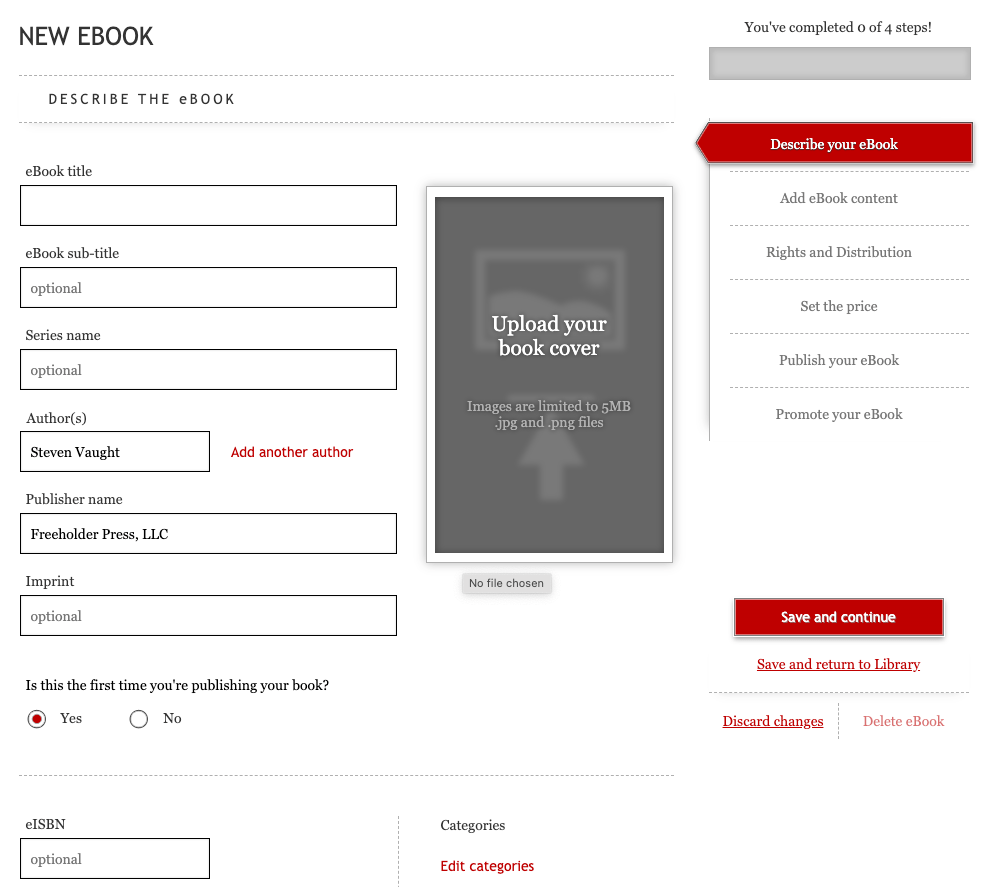
Kobo’s author dashboard is also pretty cool because you get to see all of the book covers of the books you’ve published with them in one spot. From there, you can click each book and edit to your hearts content if you need to change a “Books By” page, for example.
Draft2Digital
D2D is a kind of an outlier. They have the same publishing process as everybody else in that you upload your book files and fill in all the questionnaires about who wrote it and what series it’s in, and so on and so forth. But, rather than distribute to their own network of retail locations or websites, draft digital also distributes your book to dozens, if not hundreds of other distributors all over the world. They have a pretty good connection with European booksellers, and my books are scattered through so many different stores in Europe. It’s hard to keep track of them.
They also offer print on demand services, and they are rolling out audiobook services as well. They’re really pushing hard to be the new Amazon on the block. While they are one of the smaller players in the field, like I said, they’re growing fast, and I’ve always liked their plucky determination and grit.
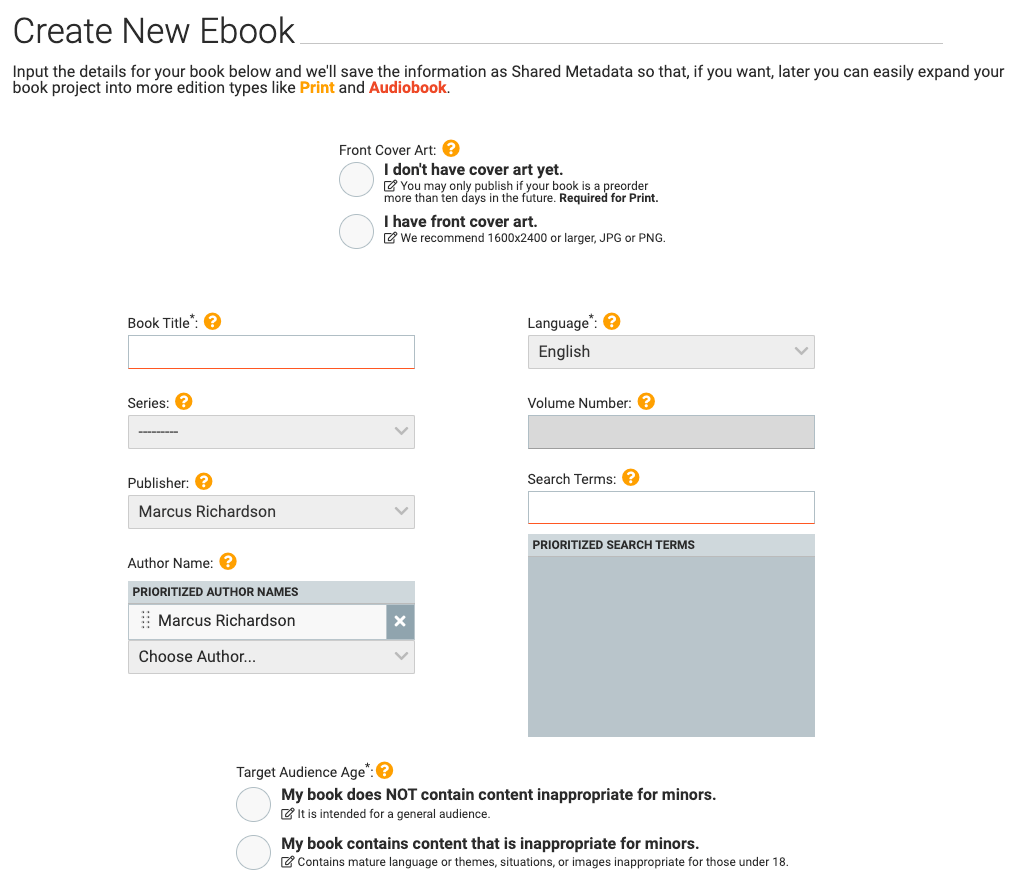
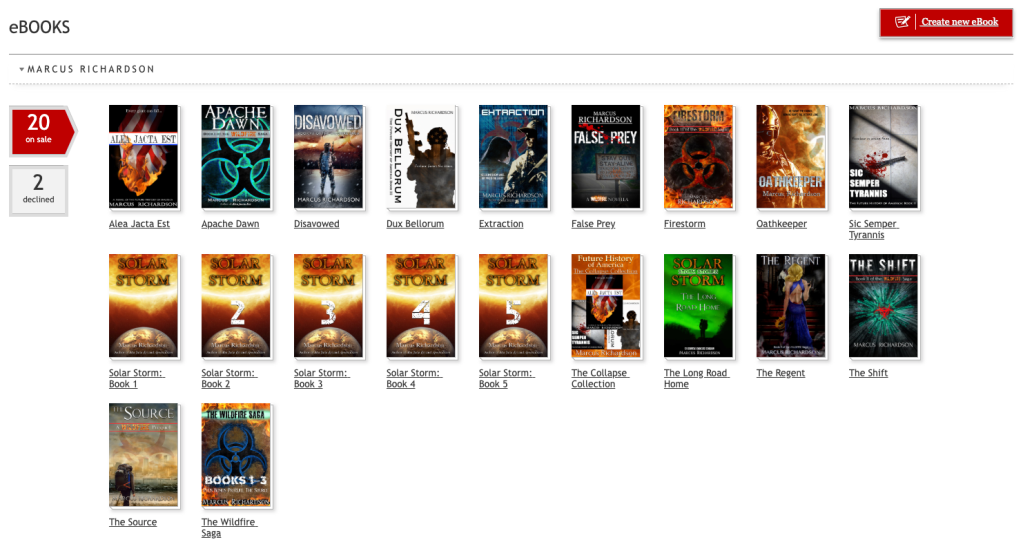
Their submission process is decidedly more complicated than Kobo and Google, and about on par with Amazon, though it’s still faster than the 900 pound gorilla with the smiling packages. The other main draw for D2D is that you can send your books to not only Apple, Google, but also Barnes & Noble, notoriously hard to get into on your own.
As an aside, Google was once wide open to everybody—in the beginning. But for a few years, they would not accept new authors as they tried to clean up their own house and boot the scammers and bot farms taking over like invasive weeds.
From what I hear, people are still having issues trying to sign up with Google, but if you go through Draft2Digital, you can get your books on the Play Store. I was one of those few who dropped in at the right time and got set up with Google on my own, and I also figured out Apple before I found D2D, so I only use D2D to get me into those European bookstores and Barnes & Noble.
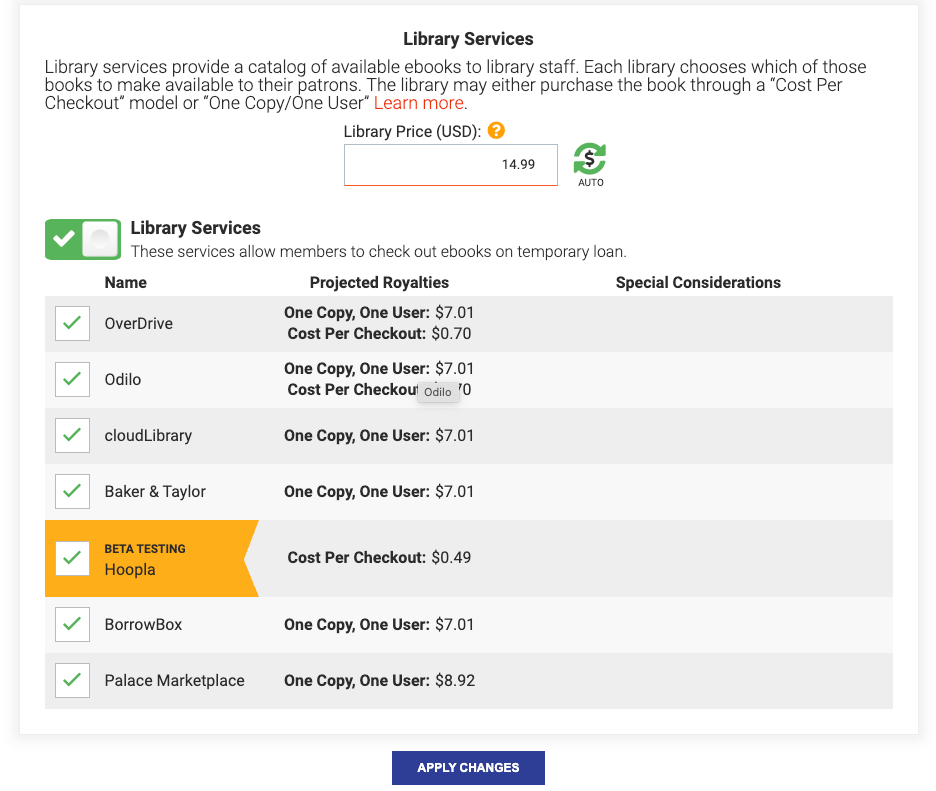
However, one thing Draft2Digital has that nobody else has is connections with libraries. D2D partners with Libby, Overdrive, and Hoopla to get your books into the US public library system. Every your book is checked out at a local library, you get paid a royalty.
So now you can legitimately walk into libraries and ask for your books to be included in their system. The easiest and fastest way to do this, however, is to contact your readers via your newsletter (you do have a newsletter, don’t you?) and ask them to tell their librarians to get your book. I’ll be honest with you, it’s not a huge chunk of my income, but every library checkout helps!
Draft2Digital also has customizable reports that you can use to track your book sales and performance, something that all the other players to a large degree lack. You are given information, like how many books you sold, how much money you made, etc., but how you see that information is pretty much determined by the individual publisher whether it’s Amazon, Google, Apple, etc. Draft2Digital allows you to get granular and figure out exactly what details you’d like to view, then it throws all the data up on the screen accordingly.
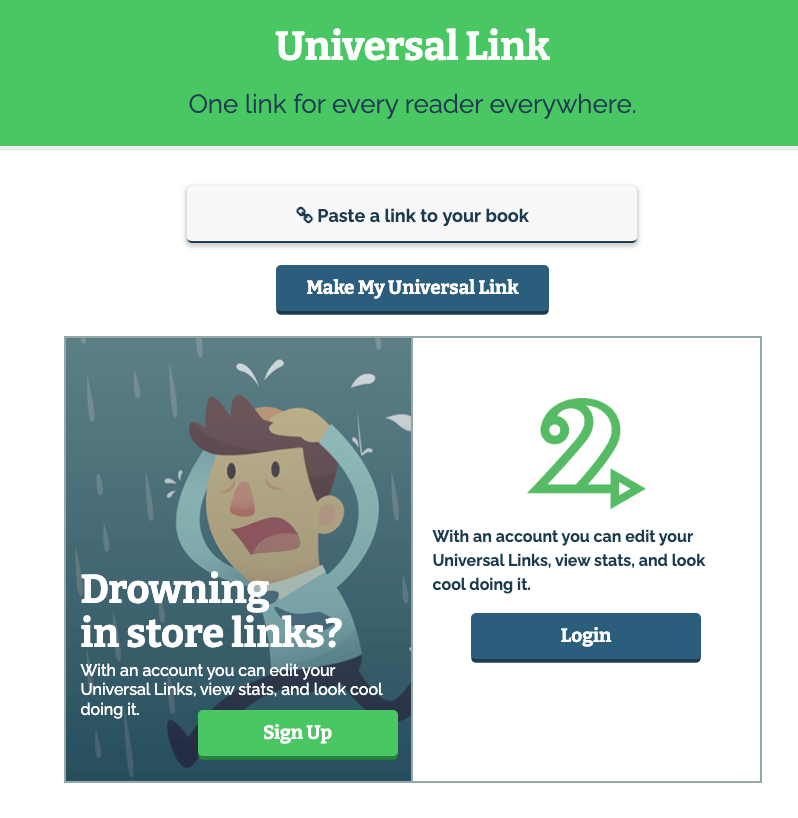
The other cool thing about D2D is they provide a Universal Link. These are individual pages you can set up where it kind of acts like a landing page. You add this link to your book, and when the reader clicks on the link in your blog post or newsletter—or inside the Books By page of other books—it takes them to where they can download all of your book, choosing which vendor and method they want. It’s a universal link that you can use to distribute your books to a wider audience. It’s a really cool feature that none of the other players have, and this is why I love Draft2Digital—they’re always coming up with new stuff that stays ahead of the big boys.
Apple
Last but certainly not least, we come to Apple. The only reason I put Apple last is because they are the living worst when it comes to books submissions. Not only do you have to use an entirely separate app from all the others, which use a web browser, but Apple also requires you to do some funky uploading. I’ll show you in a second.
So why does Apple take so long? Well for starters, you have to figure out how to find the app to publish your books with Apple—spoiler alert, it’s called iTunes Producer, and it’s not at all easy to work with.

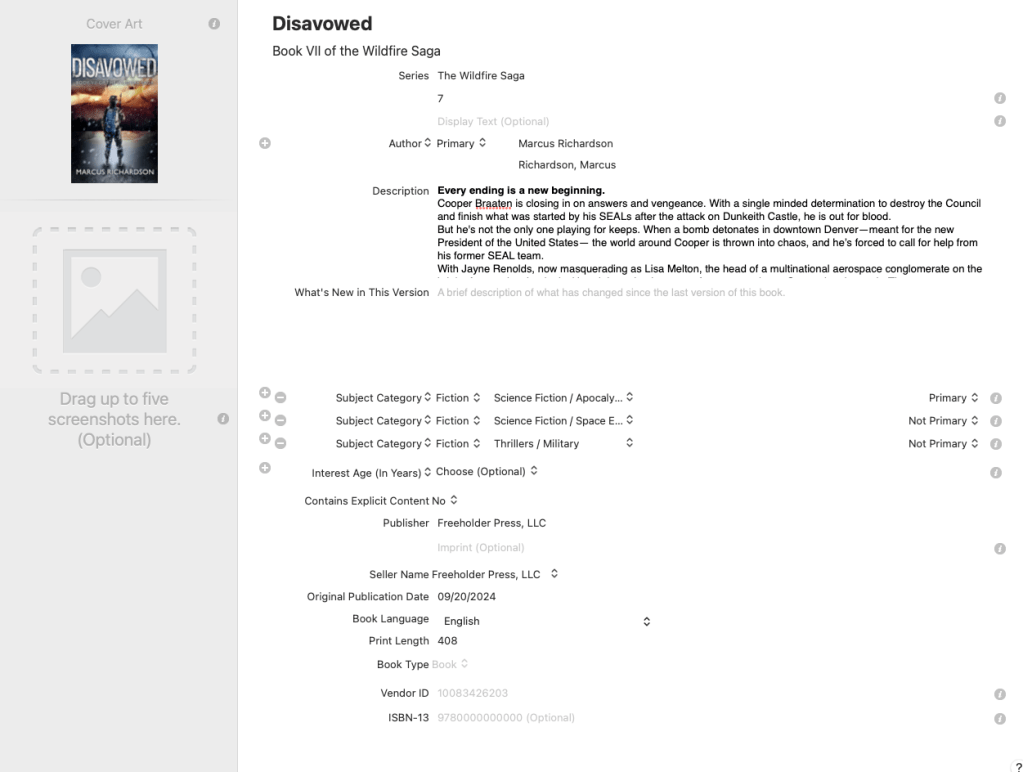
The user interface is like something out of the 1990s, and the text is tiny. You have to follow the instructions, and answer all the questions like everybody else, but Apple’s version is just so sterile it hurts.
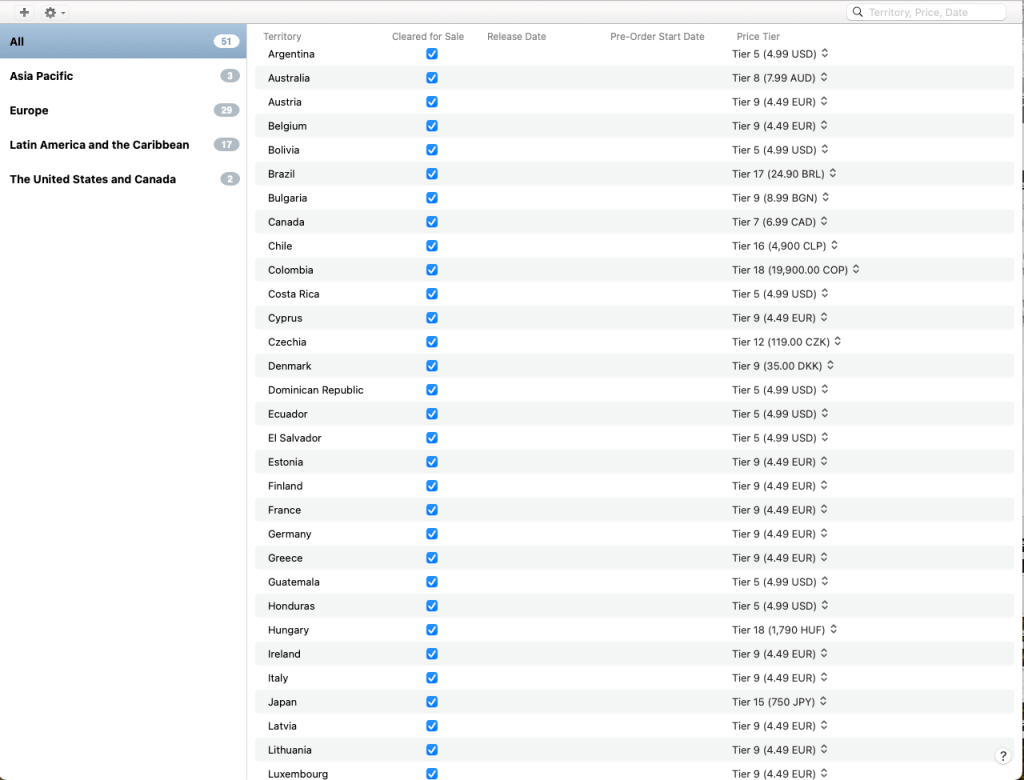
Then, when you get to pricing, things get a little more quirky. You see a whole list of countries that you can set your book to, but there’s a certain way if you want to send it to everybody, that you have to proceed. You have to click the plus button to start a new price, then make sure you select all the countries you want by using “All” (not “World”).
Eventually, you make your way to the screen at the end after setting the price where you want to upload your book and cover. But wait! You can’t simply select the file like everybody else, oh no. Apple wants you now suddenly to get all woo-woo hand-wavy, by selecting the file on your computer and dragging and dropping it into a specific dialog box that pops up. Why they make everything so simple and plain looking, then jump into a process that’s like playing on your iPad only at the very end, I’ll never know.
Once you’ve dragged and dropped your files into the right spot, Apple then verifies these files, then uploads them, then tells you it’s all done. This process can take anywhere from a couple minutes to 10 minutes. Again, ask me how I know.
If you have to edit your books post publishing—something I’ll probably talk about in another post—Apple requires you to save your uploaded file, reload it on your iTunes Producer app, and jump through all these hoops all over again, where everyone else has simple as a much simpler process. Everyone else just saves your information on their servers so you can edit by simply uploading a new book file. Honestly, considering how amazing most of Apple’s technology and software is currently, how sleek, slick, and how it all just works…uploading books through this outdated app is just…sad.
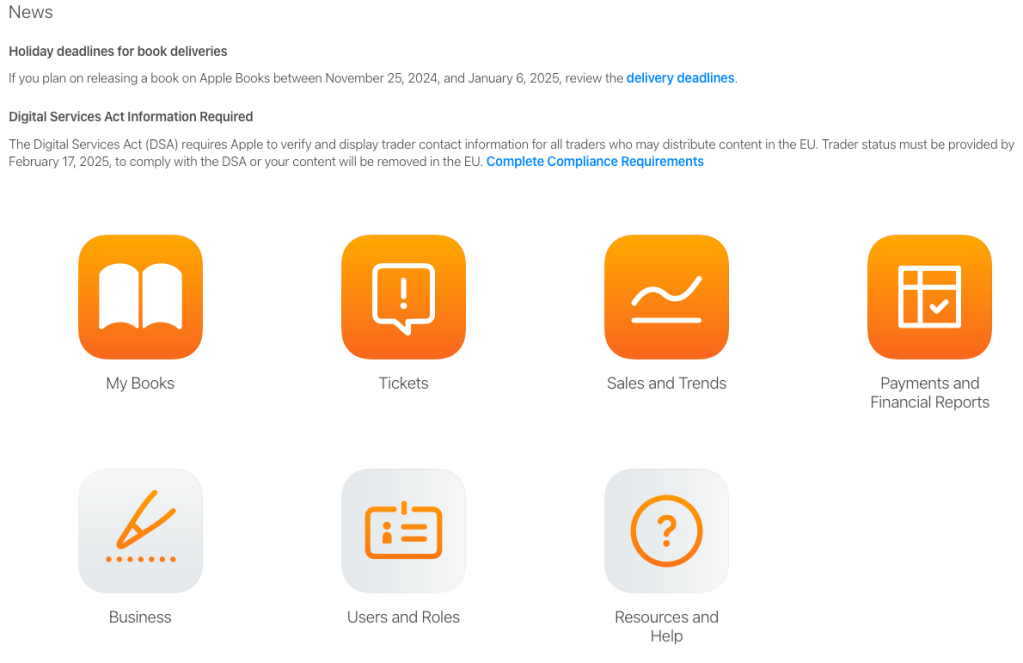
To make matters worse, Apple’s reports system is not through iTunes Producer, it’s through a website called iTunes Connect. This website is honestly lightyears ahead of iTunes Producer in terms of graphics and user interface, but there’s a caviat: the website allows you to change pricing on your book—but for the the love of all things good and holy, whatever you do, don’t do that. It will jack up your universe. Ask me how I know.
To change your price info (or other metadata) go back into iTunes Producer, open the file you saved everything to, and change the pricing on your book (for sales or what not), then and only then can you resubmit the book.
If you change the pricing through iTunes Producer, Apple can’t handle it and everything gets messed up like you crossed the streams in front of Gozer the Gozerian.

They may have been able to fix the problems since the last time it happened to me (a simple accident when I went to the website instead of going through the app). However, to fix things, I had to delete the book from Apple altogether and republish it from scratch. It was a hot mess.
However, Apple is the 500 pound gorilla in the room, to Amazon’s 900 pound gorilla. Since they’re my next biggest market, I deal with the eccentricities and nonsense Cupertino sends my way. I’m hoping iTunes Producer gets updated like the rest of their apps, phones, iPads, and computers. However, I’ve been publishing since about 2011, and not much has changed.
Love it or hate it, Apple is here to stay, obviously, so I meekly pulled up my empty bowl and asked for some more gruel time and time again. There are far too many people out there that don’t like Amazon for one reason or another and buy exclusively through Apple, so it’s here to stay.
And that does it for publishing, in a nutshell. It’s not rocket science, trust me. If you can muddle your way through it a couple times, you’ll be an expert. All the distributors try to make it intuitive and easy—they’re making money off your books too, right? They want you to succeed.
So good luck, and if you’re publishing something and you were inspired or helped by something on this blog, drop me a line—I’d love to know!
Until next time, my friends, keep your heads down and your powder dry for we live in interesting times.

 The Freeholder Press
Leave a comment